Say hello first
A parent or carer should speak to the organiser they know. Children need to be known to us before they can join.
 WinchCraft
MADE FOR WINCHBURGH’S YOUNG BUILDERS
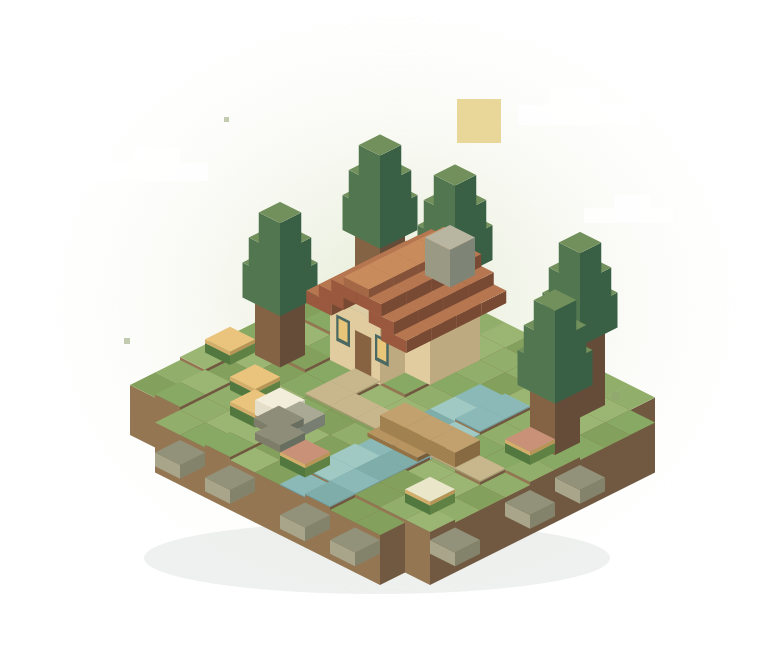
A Minecraft world for local kids to build, explore and find their next adventure. Together.
A private community for families known to us.
YOUR FIRST ADVENTURE STARTS HERE
No Minecraft expertise needed. Start with a chat, then we’ll help you find the right setup for your child.
A parent or carer should speak to the organiser they know. Children need to be known to us before they can join.
Tell us which device and Minecraft edition your child uses. We’ll confirm compatibility and share the joining details privately.
Read the ground rules together, help your child connect, and let their imagination take it from there.
FIND YOUR SETUP
Choose a device for the next steps.
First, check the edition on the game’s title screen. Java and Bedrock use different joining methods. WinchCraft’s supported editions and game version are still to be confirmed.
Use these steps after you receive confirmation and connection details.
Phones and tablets use Bedrock Edition. Bedrock support for WinchCraft is still to be confirmed.
Check with us first. Console joining can differ from computers and phones. We haven’t confirmed a supported console joining method for WinchCraft yet.
Tell the organiser which console your child uses. Wait for confirmed instructions before buying a subscription or changing network settings.
Need help with the game itself? Read Minecraft’s official server guide ↗
GOOD NEIGHBOURS. GREAT ADVENTURES.
A little respect makes a big difference.
Read these together before your first visit.
Keep chat friendly. Include others. No bullying, mean jokes or hurtful language.
Ask before changing someone else’s creations. Don’t take their things or spoil their work.
No real names, schools, addresses, passwords or contact details in game chat. Don’t pass on joining details.
Step away and tell a parent or carer. Parents: contact the organiser you know if something needs attention.
Knowing our players is the starting point, not a guarantee of safety. Stay involved, check account privacy settings and agree on playtime together. Don’t assume an adult is always online.
A little inspiration for what’s aheadTHE NEXT CHAPTER
This is where you’ll find the latest WinchCraft world, what we’re building and what to explore next.
For now, bring your big ideas. Every great world starts with one little block.
Let’s get you readyLocal kids. Big ideas. Something wonderful to build together.
How to join